Social Login Key
Tambahkan penyedia login sosial seperti Facebook, Frappe, Github, Google, Microsoft, dll., dan aktifkan login sosial.
Pengaturan Login Sosial
Untuk menambahkan Social Login Key, buka
Integrations > Authentication > Social Login Key
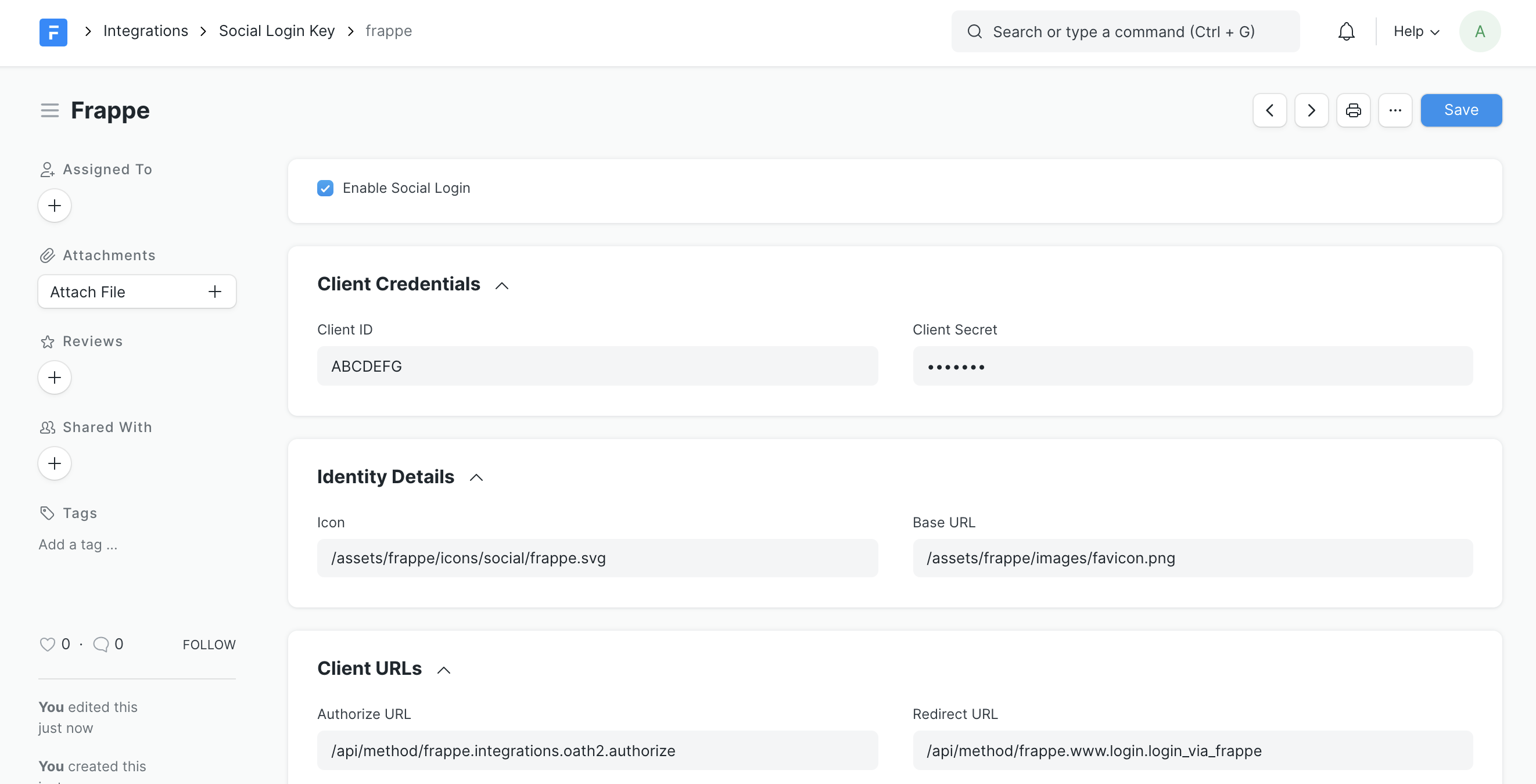
Pilih Social Login Provider atau pilih "Custom"
Jika diperlukan untuk penyedia, masukkan "Base URL"
Untuk mengaktifkan, centang "Enable Social Login" agar ikon muncul di layar login
Juga tambahkan Client ID dan Client Secret sesuai dengan penyedia.
Contoh Social Login Key
Social Login Provider :
FrappeClient ID :
ABCDEFGClient Secret :
123456Enable Social Login :
CentangBase URL :
https://erpnext.org(diperlukan untuk beberapa penyedia)